

Free link shortener: how to turn long URLs into short links
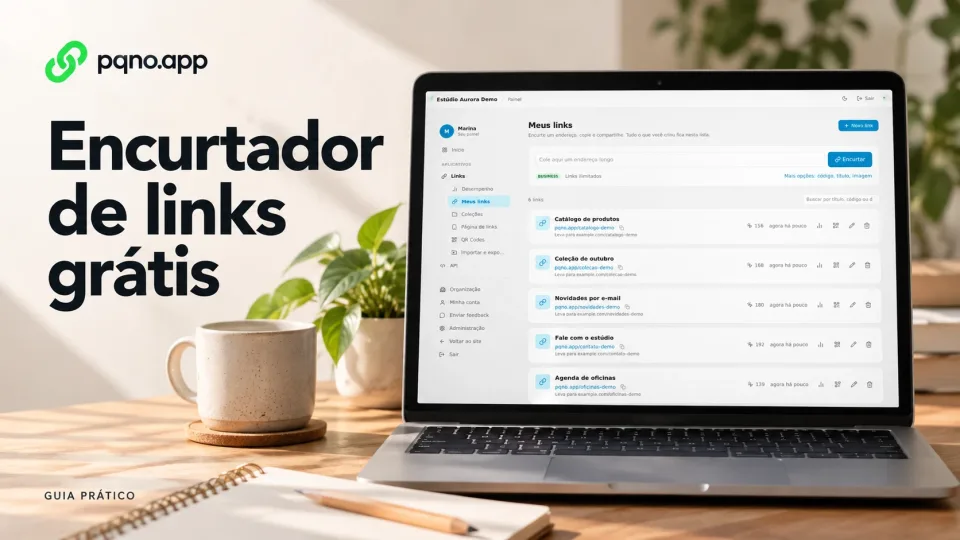
Links show up in Instagram bios, WhatsApp, emails, campaigns, presentations, documents, ads and product pages. The trouble starts when the URL is long, full of parameters or hard to copy.
A free link shortener turns that long URL into a short address that leads to the same destination. You share a short link that is easier to copy, type, organize and track.
What is a link shortener?
It is a tool that creates a short URL pointing to another page. For example:
https://example.com/products/category/product?id=1847&utm_source=campaigncan become:
https://pqno.app/offerAnyone who opens the short address is redirected to the original page. The destination page does not change.
What is shortening a link for?
Besides making the URL smaller, a short link helps in four situations.
Easier sharing
A short URL is easier to send by WhatsApp, social media, email, SMS, presentations and digital materials.
A more readable address
A link with dozens of parameters looks confusing. The short address stays clean.
Organizing different campaigns
Create one link for each action, channel or piece of content and track each address separately.
Measuring clicks
When the shortener records visits, you know how many times the link was used without relying on the destination page. On pqno.app, every link has a click count in the dashboard.
How to shorten a link for free on pqno.app
- Create a free account and sign in to the dashboard.
- Open Links, then My links.
- Paste the destination URL in the shortening field and click Shorten.
- Copy the generated address and test it before sharing.
The Free plan lets you keep up to 5 links with automatically generated codes. An ending you choose, such as pqno.app/offer, requires Pro or Business. Addresses in this article are examples; a code must be available before you can use it.
Does the short link change the destination page?
No. The short link only redirects the visitor to the configured URL. You can shorten links to:
- websites;
- landing pages;
- products;
- forms;
- videos;
- social media;
- public documents;
- sign-up pages;
- portfolios;
- digital menus;
- external systems.
Short link or custom link?
A short link can have an automatically generated ending. A custom link has an ending you choose, which is easier to recognize.
Automatic:
pqno.app/a8f32xCustom:
pqno.app/quoteIn campaigns and brand promotion, the custom one is easier to remember. See how to create a custom link.
Can I see how many clicks the link got?
Yes, if the service records visits. With that number you find out:
- which link got the most clicks;
- which campaign brought the most visits;
- whether a material is still getting visits;
- which promotion is worth repeating;
- which links almost nobody uses.
On pqno.app, the dashboard shows clicks over time and a ranking of links.
When is a URL shortener worth using?
When the original address gets in the way of sharing, or when you want to organize and measure the visits to each link. The most common cases:
- links sent by WhatsApp;
- marketing campaigns;
- links on social media;
- presentations and events;
- sales materials;
- sales pages;
- influencer campaigns;
- internal communication;
- automations;
- API integrations.
Create your short link on pqno.app
Paste the original address into pqno.app, create the short URL and use the new link on your channels.
Reviewed on October 4, 2026. Illustrative cover with product screens and simulated data.