

How to shorten links for WhatsApp, Instagram, TikTok and other networks
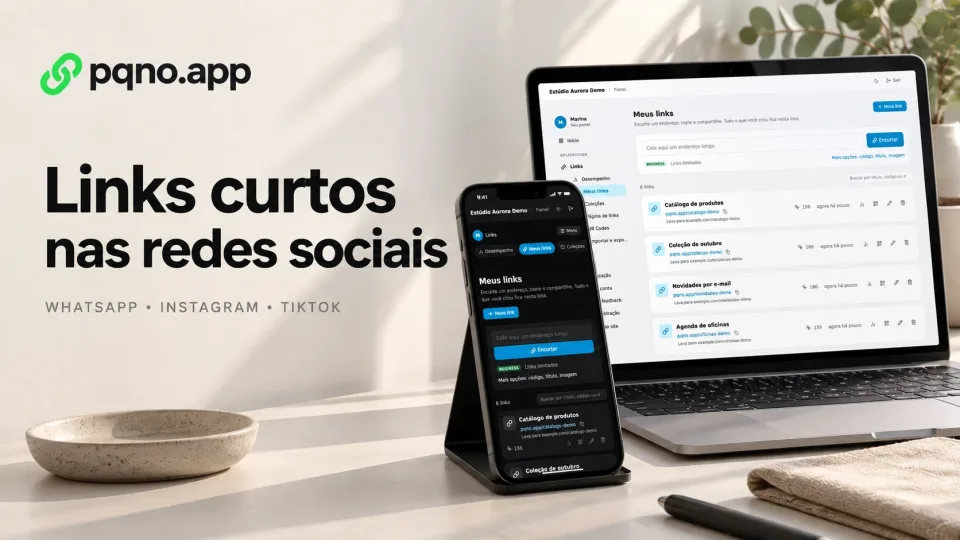
You can shorten almost any public address on the internet, including links shared on WhatsApp, Instagram, TikTok, LinkedIn, YouTube and email.
The process is always the same: copy the URL, create a shorter address and share the short link on whatever channel you want.
How to share a short link on WhatsApp
- Sign in to pqno.app and open Links, My links.
- Paste the destination page URL.
- Click Shorten and copy the result.
- Send the short address in the conversation.
Free generates the code automatically. Pro and Business let you choose the ending.
How to create a link that opens a chat
Use https://wa.me/NUMBER, replacing NUMBER with the full international phone number, including its country code, without a plus sign, spaces or punctuation. The number must have an active WhatsApp account. An optional prefilled message goes in the URL-encoded text parameter; the visitor still chooses whether to send it.
Check the format in the official WhatsApp guide, test the address, then shorten it.
Shortening does not make a URL clickable in a place where a social network does not support links. Use the address in the fields and formats the platform allows, then test it in the app.
How to shorten a link for Instagram
On Instagram, the link usually appears in the bio and in promotional materials, where space and clarity matter. You can shorten the page for:
- a product;
- an event;
- a portfolio;
- a form;
- WhatsApp;
- a piece of content;
- a campaign;
- a sign-up;
- an external page.
If you promote several destinations, one short URL is not enough. In that case, use a Link in Bio page: on pqno.app, it gathers links, collections, text, images and videos at one address.
See also: how to create a link in bio.
How to shorten a link for TikTok
- copy the page you want to send people to;
- create the short URL;
- use the link in your profile or wherever the platform allows.
A short address is also easier to read when it is written on a video, image or presentation.
Can I shorten a YouTube link?
Yes. You can shorten:
- a video;
- a playlist;
- a channel;
- a live stream;
- a sign-up page related to the content.
The same goes for Vimeo and other video platforms.
Can I shorten a Google Forms link?
Yes. Forms usually have long URLs. An address like:
pqno.app/surveyis easier to share than the full form address, whether it is a sign-up, a satisfaction survey or an internal process.
Can I shorten a product link?
Yes. It is one of the most common uses. A short product link works in:
- social media;
- affiliate campaigns;
- WhatsApp;
- emails;
- documents;
- presentations;
- influencer content.
On the Pro and Business plans, you choose the end of the link, such as the product or campaign name.
How do I know if people clicked?
When the shortener has analytics, every visit to the short link goes into the dashboard stats. That way you compare campaigns and find out which links get the most clicks.
On pqno.app, every link has a click count and analytics over time.
Can one short link be used on several networks?
Yes. But to see the result of each channel, create one link per source:
pqno.app/offer-instagram
pqno.app/offer-whatsapp
pqno.app/offer-email
The clicks on each link show which channel worked best.
Shorten your URL
Paste the URL you want to share and create a shorter address to use on WhatsApp, Instagram, TikTok, email or any other channel.
Reviewed on October 4, 2026. Illustrative cover with product screens and simulated data.