

Link in bio for business: how to organize links for teams and brands
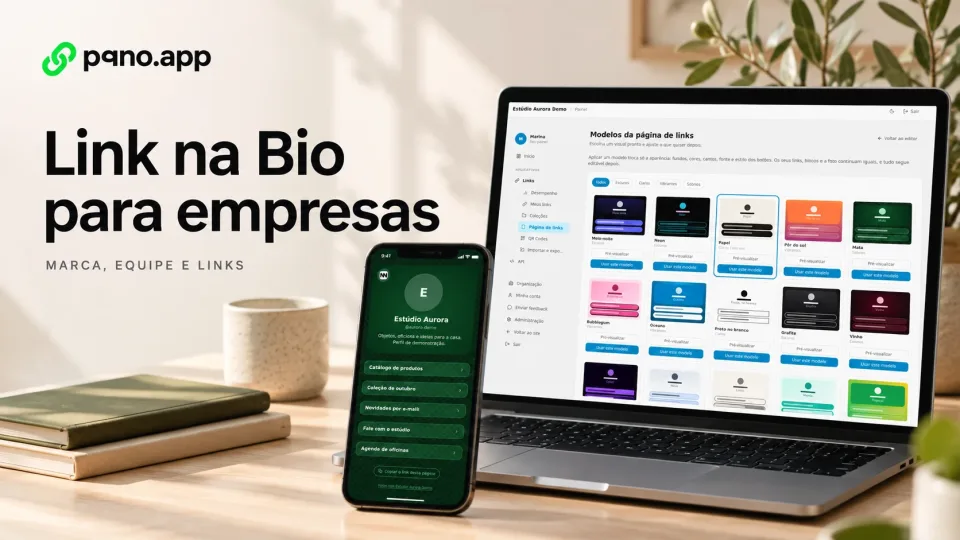
A company often has dozens of important destinations at once: website, customer service, jobs, campaigns, materials, social media, portfolio, catalogs, sign-ups and content, all competing for the same channels.
A link in bio page for business brings those destinations together at one address.
What changes for business use?
For one person, a bio page stands for a single identity. In a company, it is common to have:
- several departments;
- several team members;
- different campaigns;
- different brands;
- frequent updates;
- links with different owners.
So decide who creates and edits each page.
One company page for the main destinations
The company can build a central page with:
- website;
- customer service;
- products;
- social media;
- jobs;
- press;
- materials;
- events;
- campaigns.
The public address stays the same while the page content is rearranged.
Pages for each team member
Some teams need a page for each person:
- sales;
- consulting;
- speakers;
- customer service;
- specialists;
- recruiting.
On pqno.app, each profile has its own address and also shows up at the organization's address, which lists its public profiles.
How to organize many links
Use collections
Group destinations by subject, for example:
Customer service
- support;
- billing;
- sales.
Content
- blog;
- videos;
- materials.
Products
- product A;
- product B;
- product C.
Set priorities
The first blocks show what the company wants to highlight right now.
Update without changing the main URL
With the same address in the bio, you rearrange campaigns and highlights without touching the URL shared in the profile.
Visual customization
The page has to look like the brand. On pqno.app, you adjust:
- backgrounds;
- colors;
- fonts;
- button style;
- corners;
- block layout.
There are also 20 ready-made templates to start from.
Short links for company campaigns
For campaigns, the company creates short URLs such as:
pqno.app/catalog
pqno.app/event
pqno.app/jobs
pqno.app/survey
Each link has its own click count.
Analytics for simple decisions
Even without a full attribution tool, clicks per link show which addresses are used most. You can compare:
- campaigns;
- materials;
- departments;
- calls to action;
- content.
Business plan and organizations
On pqno.app, Business is the organization plan, with up to 10 team seats, while Pro is individual. Whoever manages the company invites each person by email from the dashboard, under Organization, and picks their role: administrator, editor or member.
Who manages the links
In the dashboard, each person edits and deletes the links they created. Organization administrators can view the team’s links and performance. Link in Bio pages belong to individual profiles: decide who maintains the brand’s profile without sharing passwords between team members.
API in a business setting
A company token issued by an administrator can create, retrieve, update and delete the organization’s links through the API. The default Business quota is 10,000 management requests per day, shared across the company. This access differs from individual editing permissions in the dashboard.
Check the authentication scopes before integrating. The Links API has no endpoint for editing a Link in Bio page’s blocks.
Reviewed on October 4, 2026. Illustrative cover with product screens and simulated data.