

Link shortener API: how to automate short URLs
Creating links in the dashboard works well at low volume. When creating URLs is part of a system, a marketing automation or a recurring routine, a link shortener API creates the links with no manual work.
What is a link shortener API?
It is how other software uses the shortener without going through the dashboard screen. Instead of a person:
- opening the website;
- pasting a URL;
- clicking create;
- copying the result;
the system sends the URL and gets the short link back in the response.
Where can a link API be used?
Internal systems
The system creates a short link every time a record, document or campaign is created.
CRM
The CRM creates URLs for deals, communications or materials sent to customers.
Marketing automation
The automation tool creates the links while the campaign is being set up.
Other digital products
Another product offers link shortening inside its own screens.
Scripts and integrations
Routines in PHP, JavaScript, Python or other languages call the API to create and look up links.
What the pqno.app API offers
- Create, retrieve, list, update and delete links.
- Get a link’s statistics for a date range.
- Get an account or company summary.
- Generate a QR code image in PNG or SVG.
There are eight endpoints. Image generation does not save a QR code in the dashboard. Methods, parameters, responses and examples are in the API documentation.
Create a link with cURL
Set PQNO_TOKEN in your server environment and send a JSON object:
curl -sS -X POST "https://pqno.app/admin/api/encurtar-link/criarlink" \
  -H "Authorization: Bearer $PQNO_TOKEN" \
  -H "Content-Type: application/json" \
  -d '{"url":"https://example.com/catalog","titulo":"Demo catalog"}'
A successful creation returns HTTP 201. Save dados.id and dados.url_curta from the response for subsequent requests. The code is generated automatically when codigo is omitted. See the full response example.
Custom codes through automation
On plans with custom codes, the integration can request a code tied to the record itself:
order-9182
event-2026
client-material
The code has to be available and follow the service rules.
Authentication
Generate a JWT token in the dashboard’s API area and send it in the Authorization: Bearer TOKEN header. The token is displayed once; store it in your backend. Keep it out of public JavaScript and request screenshots.
A personal Pro token accesses its issuer’s links. In Business, an administrator can issue a company token that manages links across the organization. Newly created links belong to the token issuer. QR generation with link_id or perfil remains limited to the issuer; for another company member’s link, send its short URL in conteudo.
API limits by plan
Default management quotas are 1,000 requests per day on Pro and 10,000 on Business. Business shares its quota across the company rather than multiplying it by the number of tokens. A per-minute limit also applies.
Check the response’s limit headers. HTTP 429 can mean a daily or per-minute limit; wait for the time given in Retry-After. Also handle 401 for invalid or expired tokens, 403 for unavailable access and 409 for a code in use. The usage limits guide explains how requests are counted.
API for individuals or companies?
Pro is individual, while Business covers up to 10 organization seats. Use the right token scope: personal for one person’s links, company for links across the organization. Having a Business account does not turn every personal token into a company token.
When is the API worth using instead of the dashboard?
Use the dashboard when the process is manual and occasional. Use the API when:
- links are created in large volume;
- creating them is part of another system;
- there is an automation;
- links need to be tied to records;
- you want to query the data in code;
- the process cannot depend on someone clicking.
Automate link creation
The API is on the Pro and Business plans, with a token generated in the dashboard.
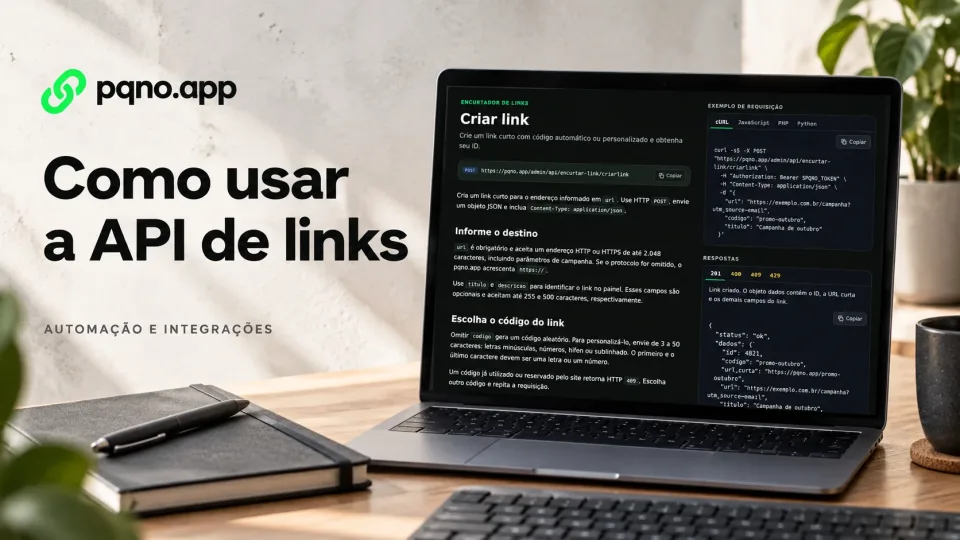
Reviewed on October 4, 2026. Illustrative cover with product screens and simulated data.
For campaign planning, CRM workflows and reporting ideas, see 7 marketing workflows to automate with a link API.